Units
Units define how inventory quantities are measured and displayed. Restock includes a set of built-in units and lets you create custom ones for items that don't fit standard measurements.
Built-In Units
Common units are available by default and cannot be deleted:
| Symbol | Name | Category |
|---|---|---|
| kg | Kilogram | Weight |
| g | Gram | Weight |
| lb | Pound | Weight |
| oz | Ounce | Weight |
| L | Litre | Volume |
| ml | Millilitre | Volume |
| fl oz | Fluid ounce | Volume |
Custom Units
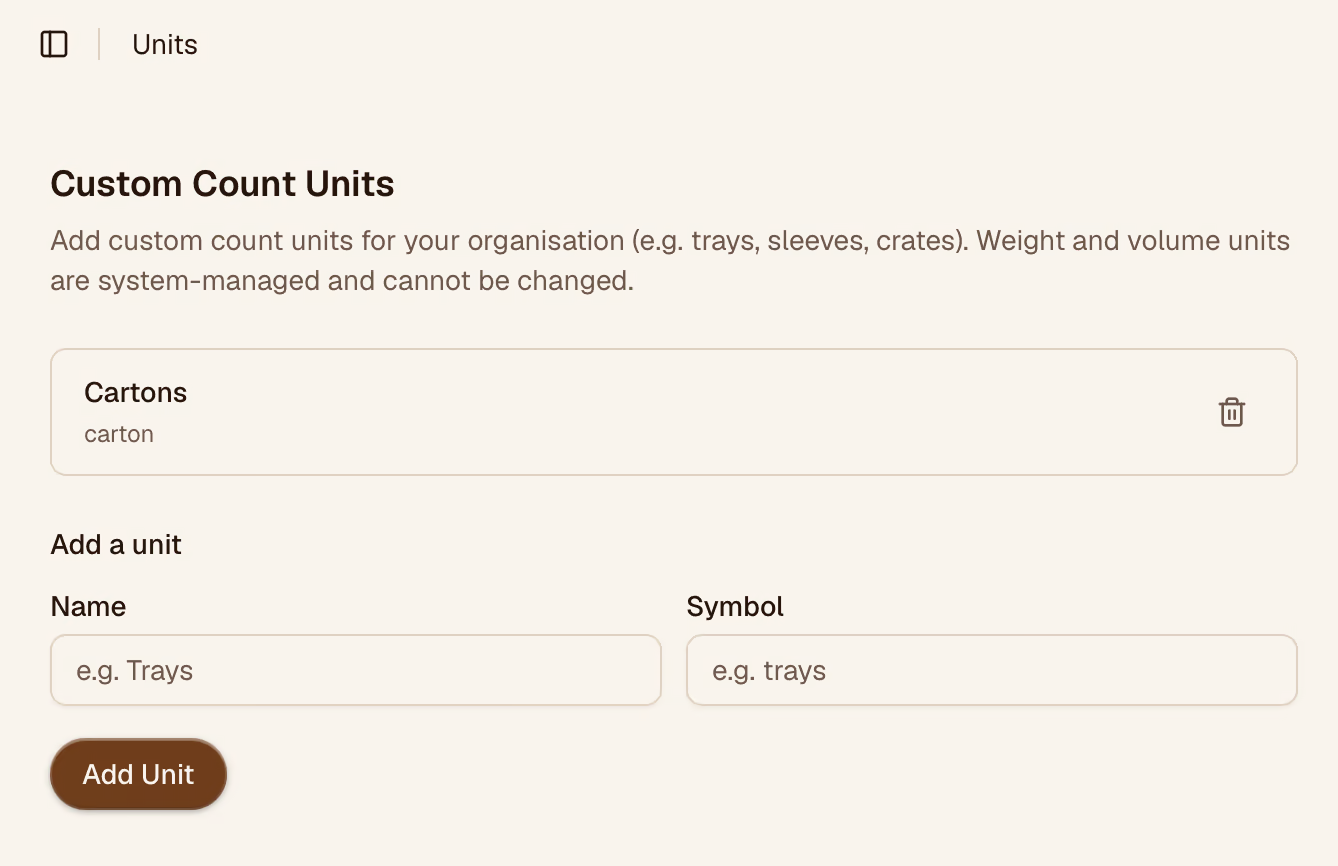
For items measured by count or custom package size, create a custom unit. Examples: bag, box, portion, sheet.
Click Add unit and fill in:
| Field | Description |
|---|---|
| Name | Full name (e.g., "Bag") |
| Symbol | Short form used in lists (e.g., "bag") |
| Category | Weight, Volume, or Count |
| To-base multiplier | How many base units this equals (optional — used for conversions) |
Conversion Factors
If you want Restock to convert between units automatically in reports (e.g., display totals in kg even if items are counted in grams), set the To-base multiplier when creating the unit.