Organization Settings
Organization settings control the top-level details of your account — your business name, industry type, and other metadata that Restock uses to tailor the experience.
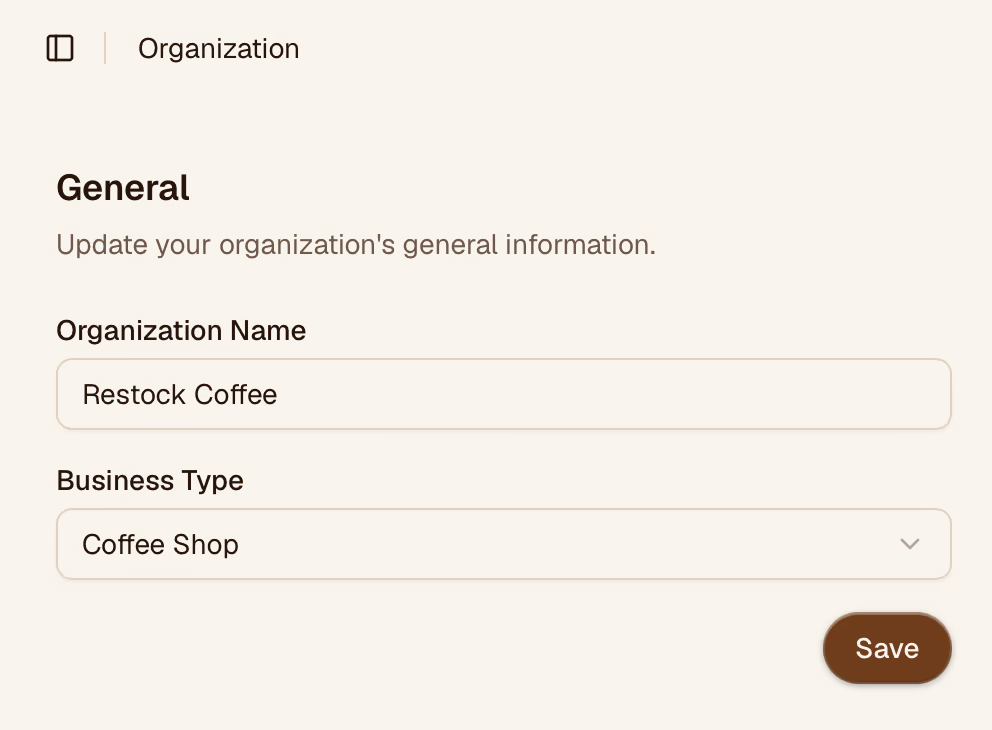
Business Name
The name shown in the header and on any exported documents. Update it here if your business is renamed or rebranded.
Industry
Restock uses your industry setting to show relevant default categories and features. For example, selecting Coffee Shop enables the brew-ratio calculator in the sidebar.
Available industry types:
- Coffee Shop
- Bakery
- Restaurant
- Bar
- Catering
- Retail
Changing your industry updates the suggested default categories but does not remove any existing items or categories.
Saving Changes
Click Save after updating any field. Changes take effect immediately for all members of your organization.