Recipes
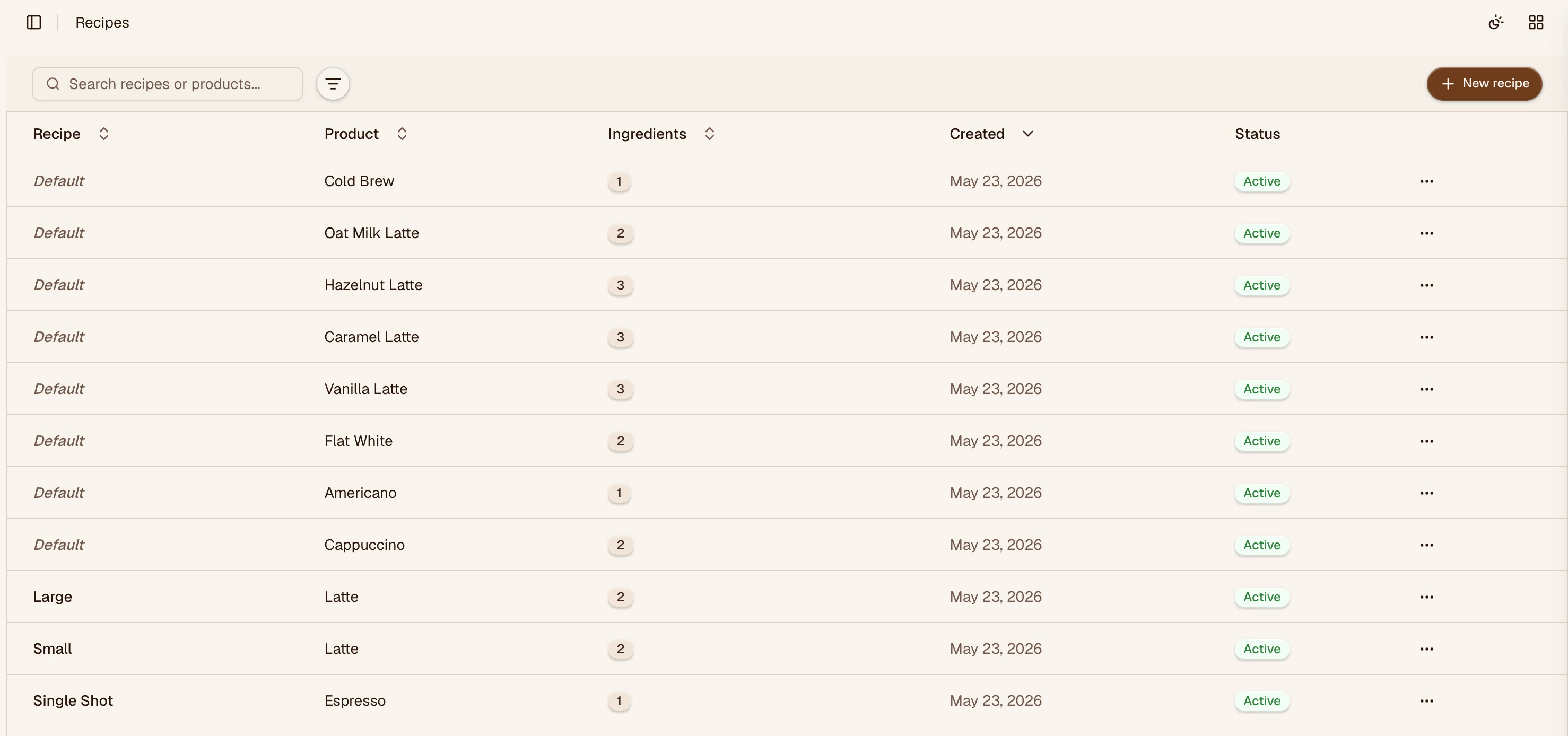
Recipes define the bill of materials for each product — which inventory items are consumed, and in what quantities, each time the product is made or sold.
Creating a Recipe
Click Add recipe and give it a name that matches the product it represents (e.g., "Oat Milk Latte"). Then add ingredients one by one.
Adding Ingredients
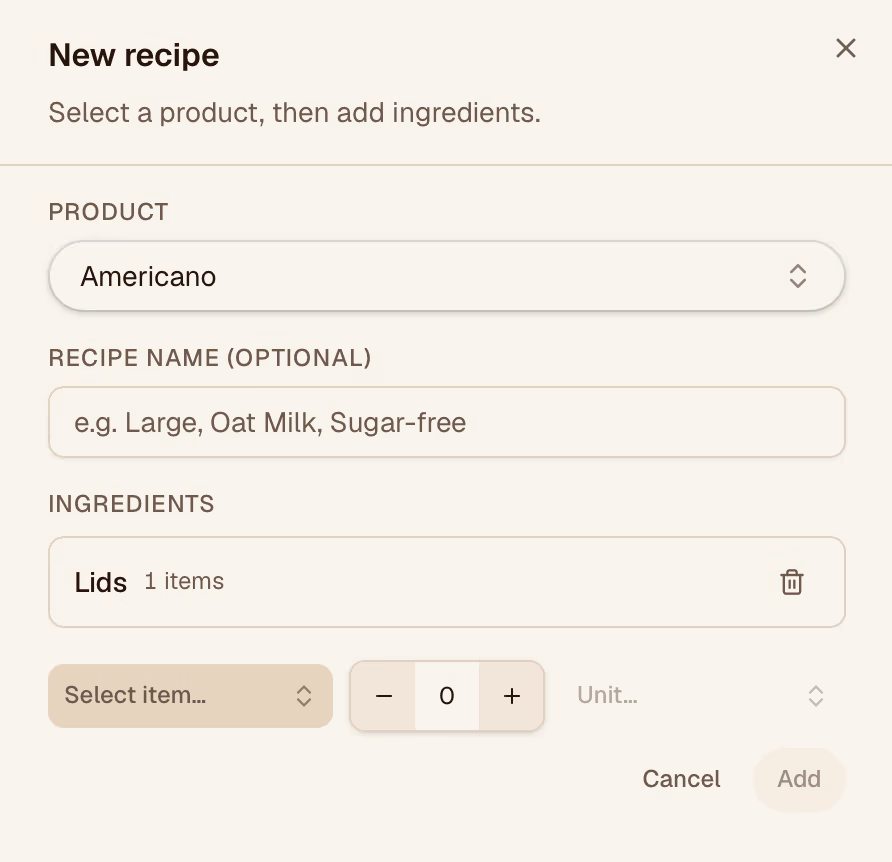
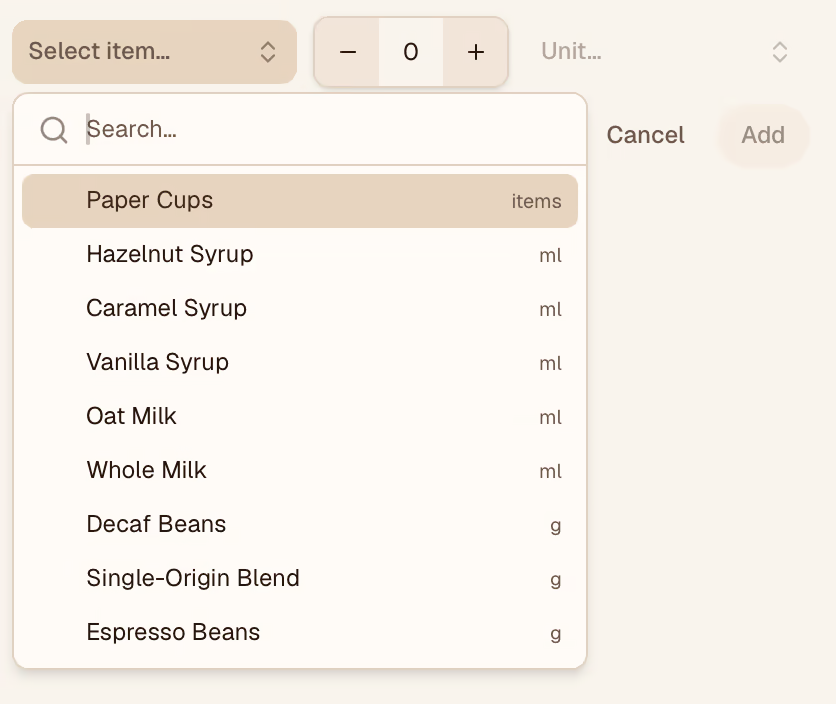
For each ingredient, select the inventory item and enter the quantity used per serving. Units must match what you've configured for that item (e.g., grams, ml, oz).
| Field | Description |
|---|---|
| Item | The inventory item consumed |
| Quantity | Amount used per unit of the product |
| Unit | Must match the item's configured unit |
Viewing the Bill of Materials
Once ingredients are added, the recipe shows the full bill of materials — useful for cross-checking portion sizes and spotting items that drive high consumption.
Linking to a Product
After saving a recipe, go to the Products page and link the recipe to the corresponding product. Consumption will then be tracked automatically when the product is sold.