Products
The Products page is your menu catalog. Each product represents something you sell — a drink, a food item, or a package — and can be linked to a recipe so that sales automatically inform your inventory consumption.
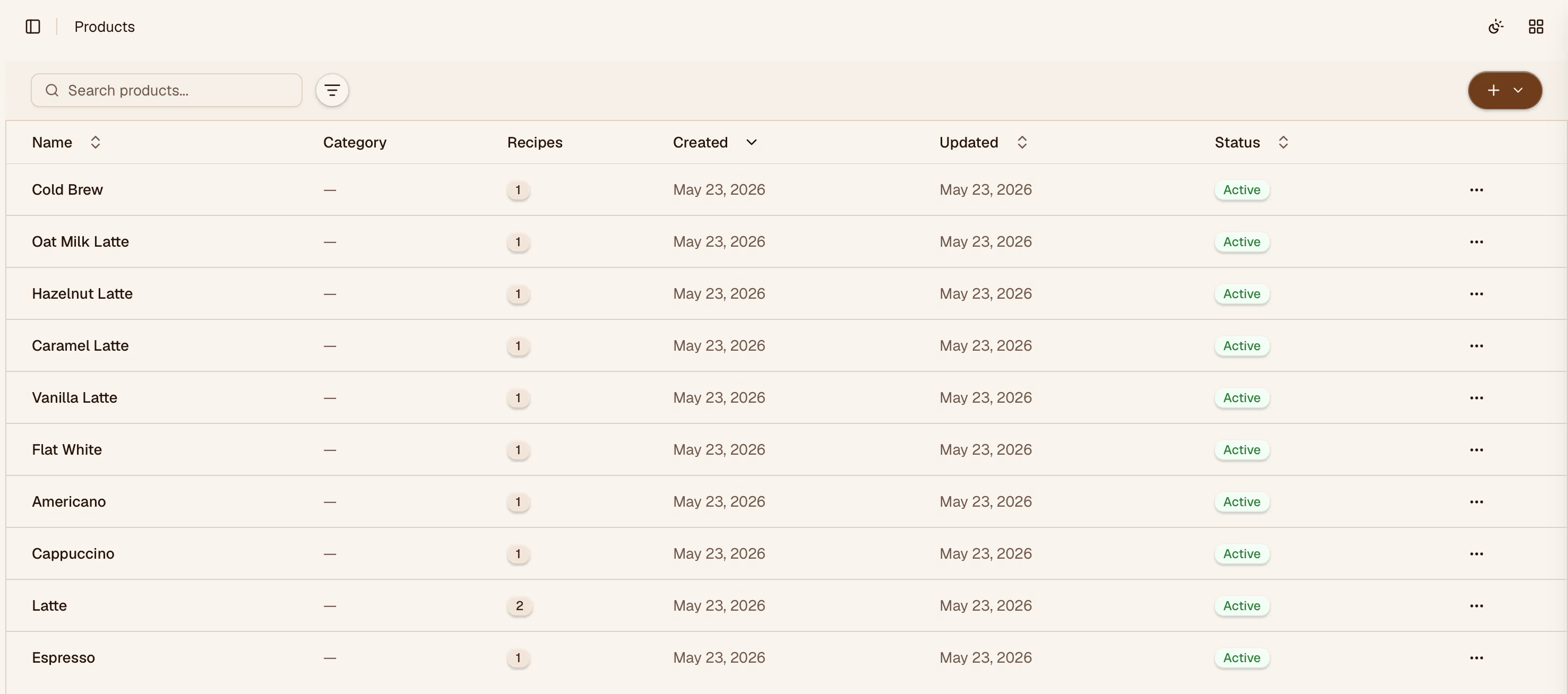
Adding a Product
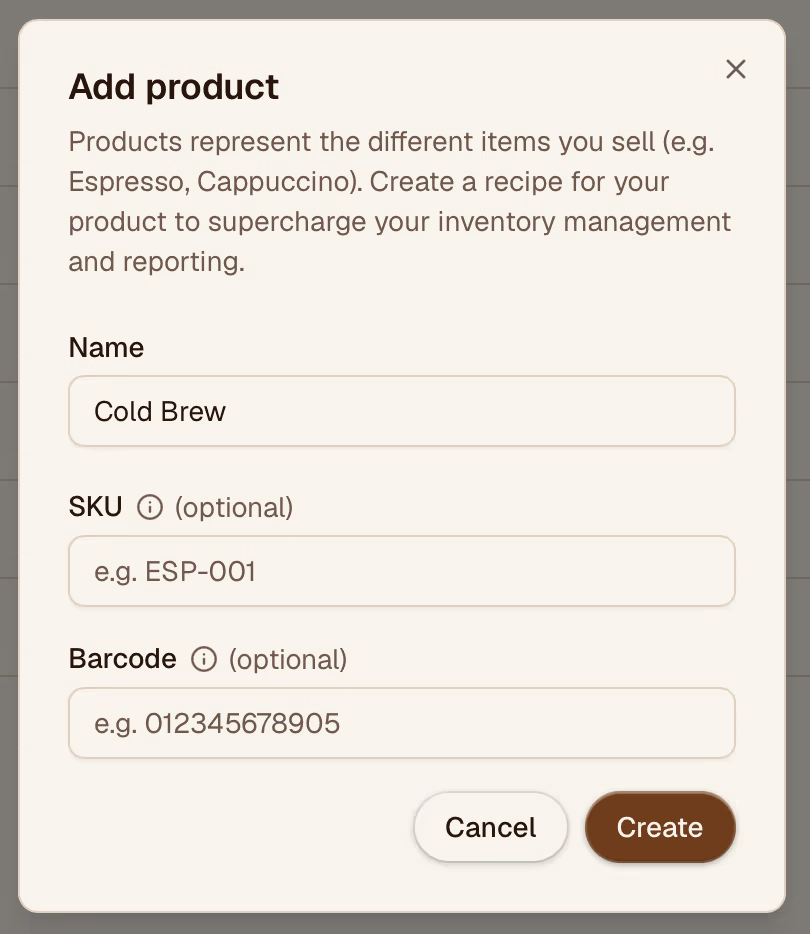
Click Add product in the top-right corner. Fill in:
- Name — what you call it on your menu
- Description — optional notes visible to your team
- Category — for grouping in reports
- Recipe — optional link to a recipe that defines the ingredients used
Linking a Recipe
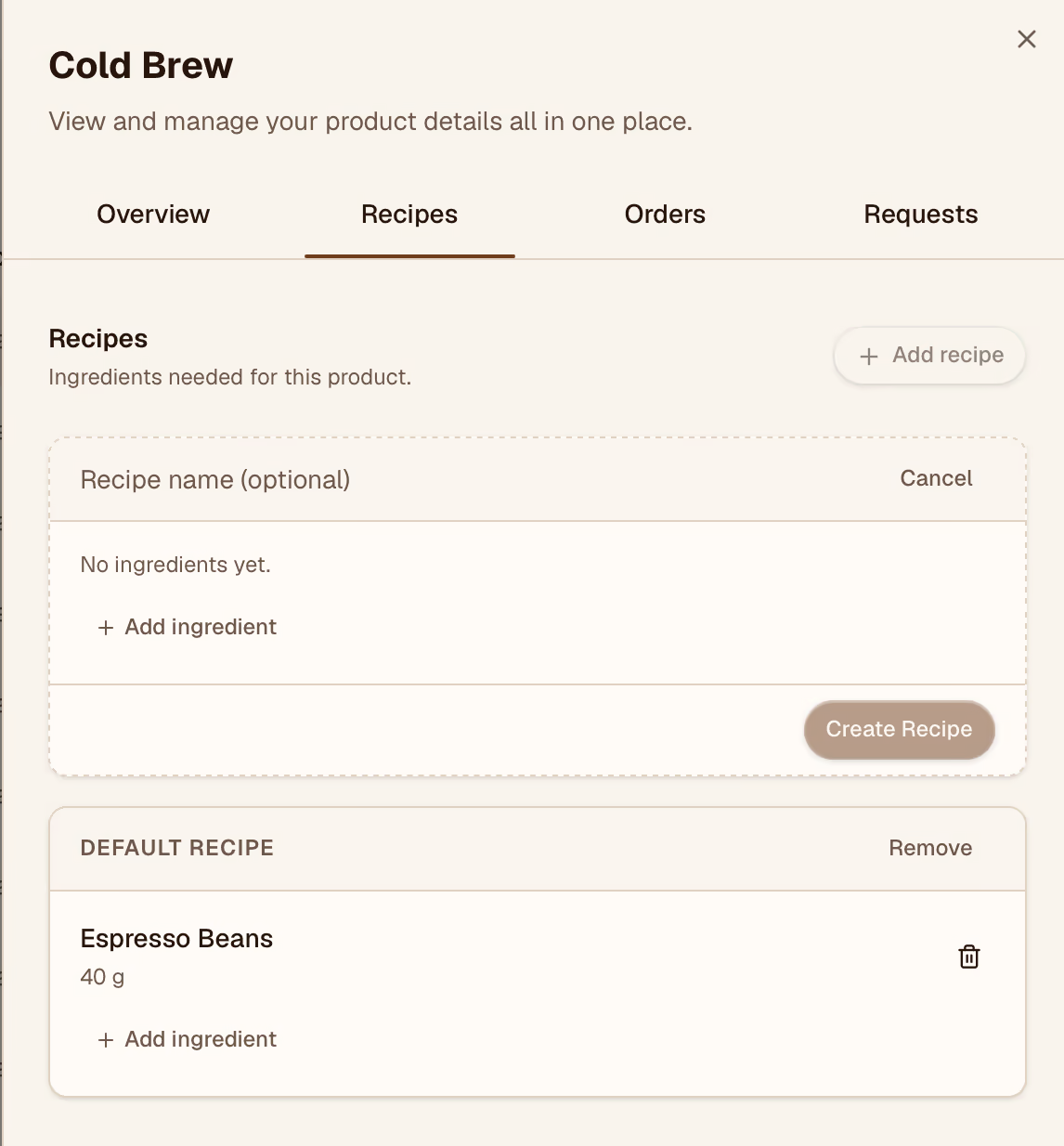
When a product is linked to a recipe, every unit sold is translated into ingredient consumption in your inventory. This keeps your stock counts accurate without manual entry.
To link a recipe, open the product and select the recipe from the Recipe dropdown. If the recipe doesn't exist yet, create it on the Recipes page first.
Editing and Archiving
Click any product card to open its detail panel. You can update any field or archive the product if it's been removed from the menu. Archived products are hidden from the list but preserved in historical reports.