Waste Tracking
The Waste page lets you log and review spoilage, spills, and other inventory losses. Tracking waste separately from normal usage helps you identify patterns and reduce costs over time.
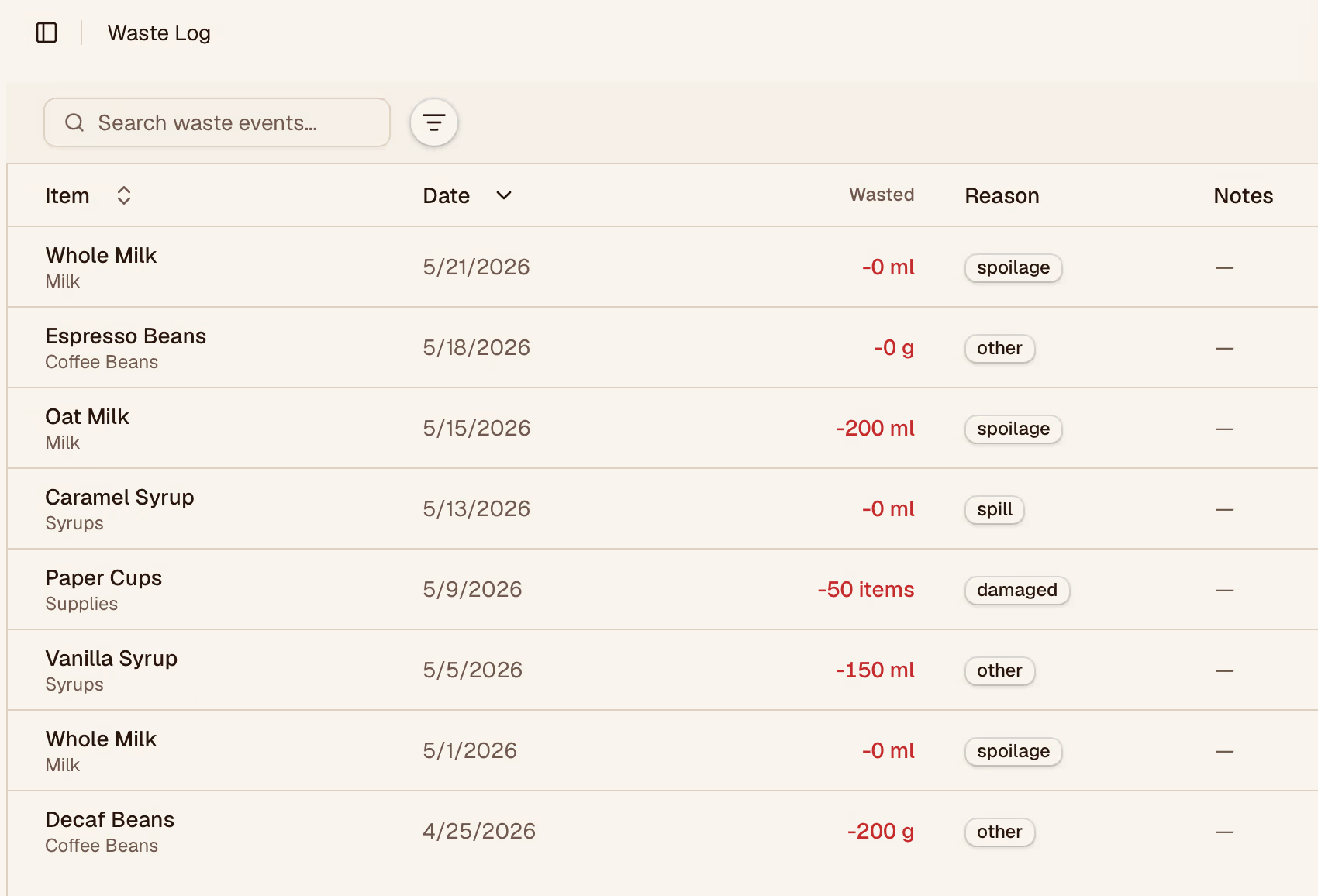
Logging Waste
Click Log waste and fill in:
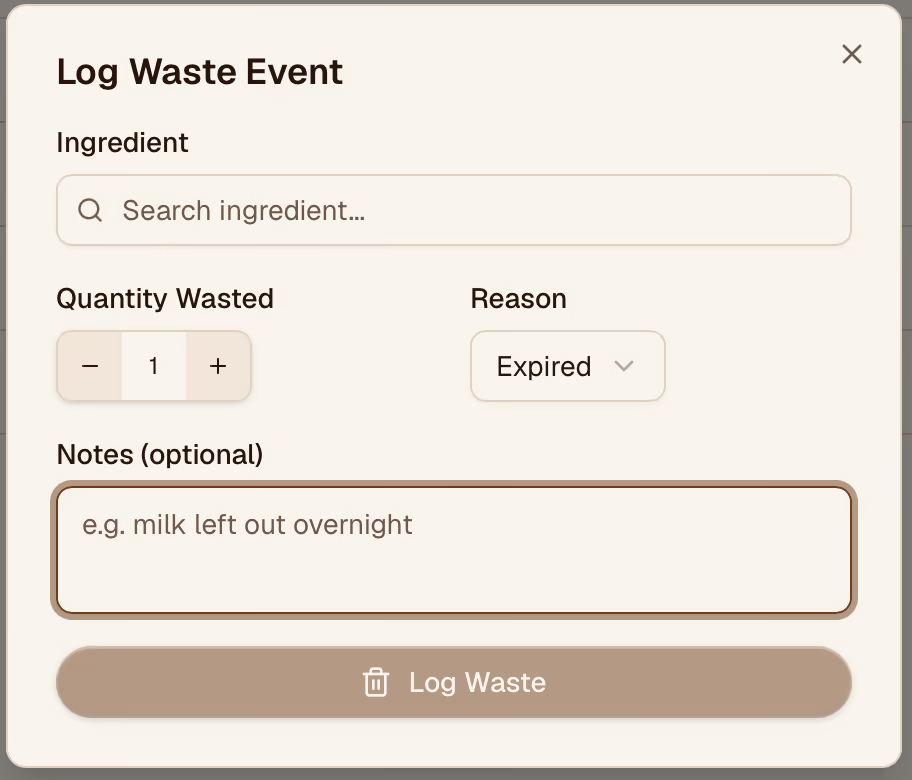
| Field | Description |
|---|---|
| Item | The inventory item that was lost |
| Quantity | How much was wasted |
| Reason | The cause (see reasons below) |
| Date | Defaults to today; change if logging a past event |
| Notes | Optional detail about the incident |
Waste Reasons
Common reasons are available as quick-select options:
- Spoilage — expired before use
- Spill — accidental loss during prep
- Overproduction — made more than sold
- Damaged — packaging or item was damaged
- Other — anything that doesn't fit above
Waste in Analytics
Waste entries feed into the Analytics page, where you can see waste trends over time and compare waste rates between locations or categories.