Stock Requests
When a team member submits an inventory form, it creates a request that a manager can review and approve. The Requests page is where you process those submissions.
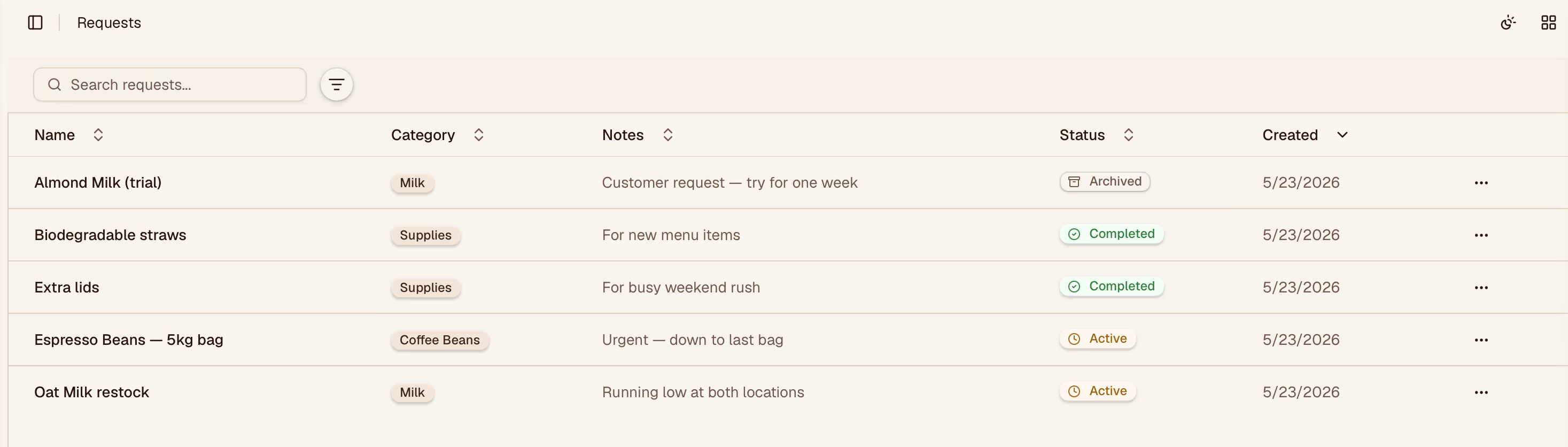
How Requests Are Created
Requests come from two sources:
- Form submissions — staff fill in counts via the QR form link
- Manual requests — managers can create a request directly from this page
Reviewing a Request
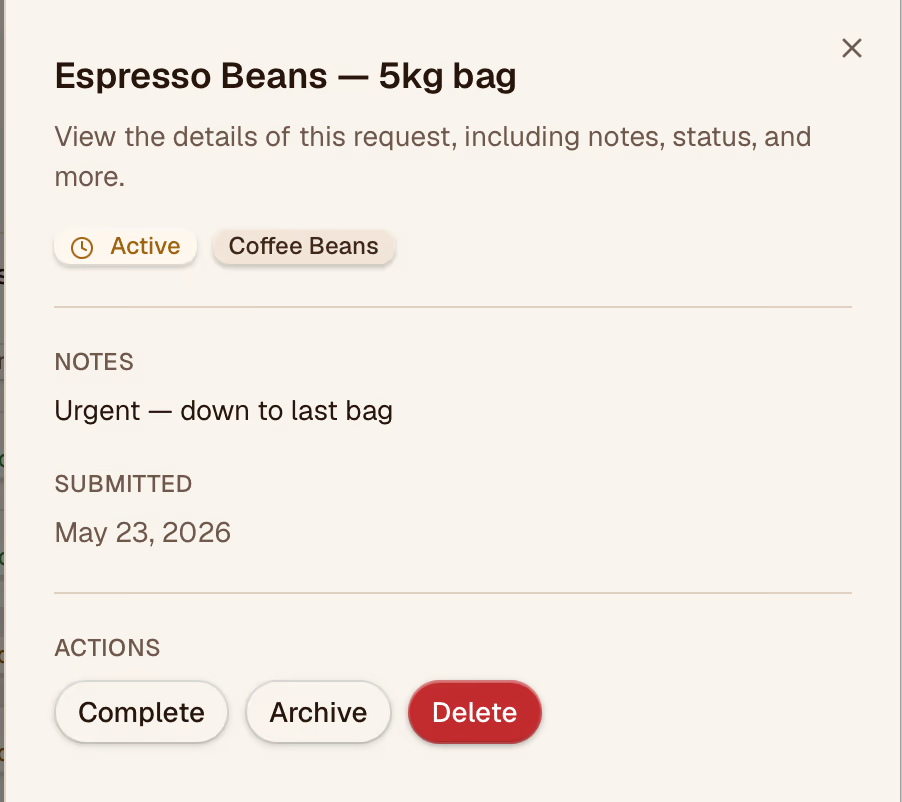
Click any request to open the review panel. You'll see:
- Which items were counted and the quantities submitted
- The previous quantity on record (for comparison)
- The difference (positive = restock, negative = usage)
Approving or Declining
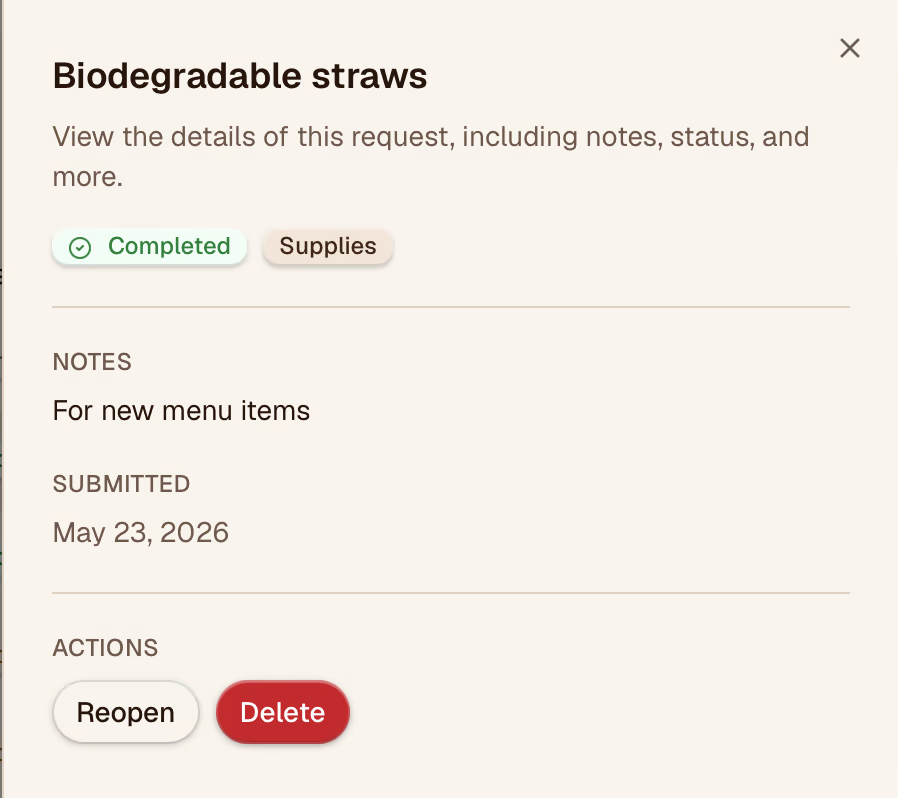
- Approve — updates the inventory quantities and records the event in History
- Decline — dismisses the request without changing inventory; optionally add a note explaining why
Between Locations
If your organization has multiple locations, requests are scoped to the location selected on the form. Use the Location filter on the Requests page to view requests for a specific store.
Request Status
| Status | Meaning |
|---|---|
| Pending | Submitted but not yet reviewed |
| Approved | Accepted and applied to inventory |
| Declined | Reviewed and dismissed |