Managing Items
The Items page is the full list of everything you track in inventory — ingredients, supplies, and packaging. You add items here once and they become available across forms, reports, and recipes.
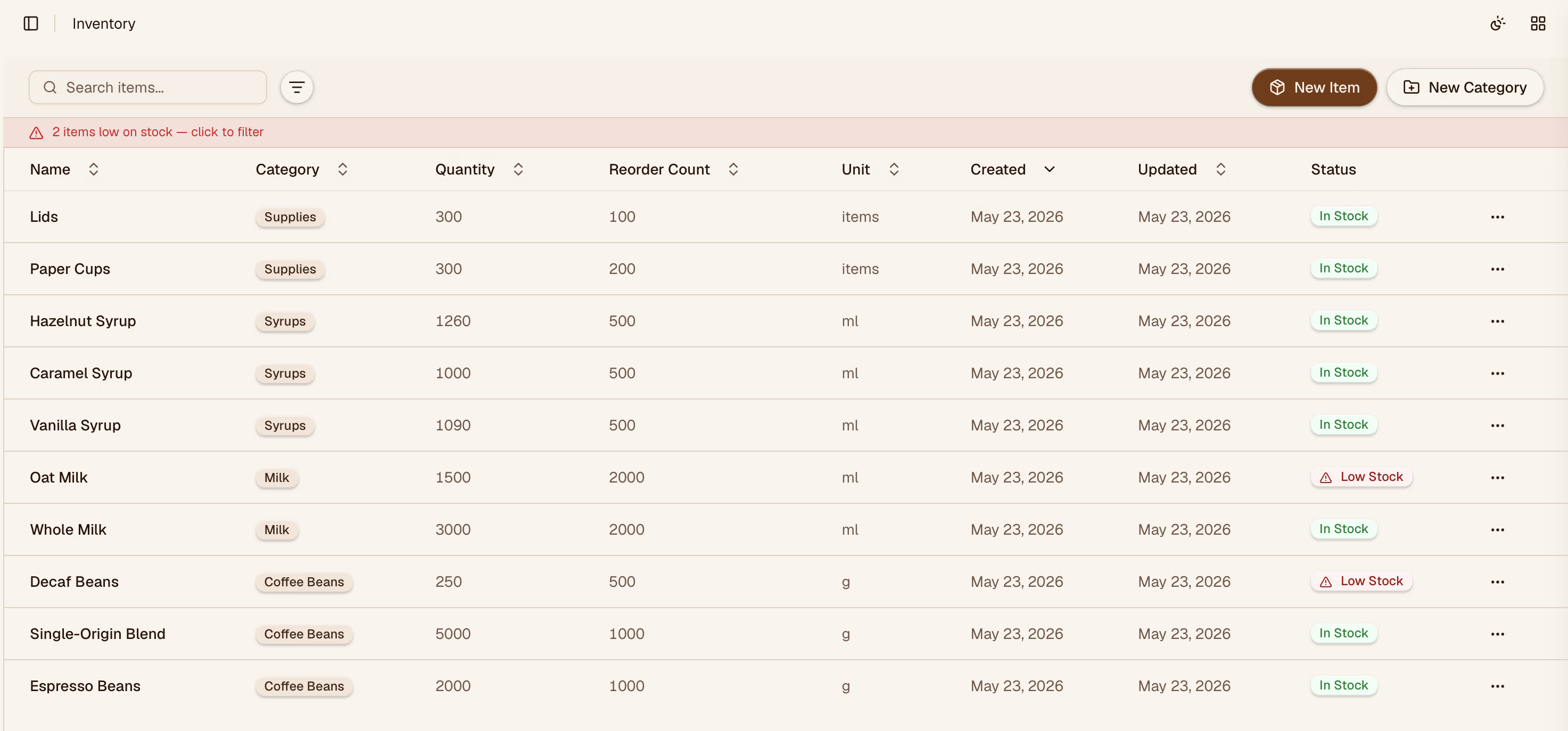
Adding an Item
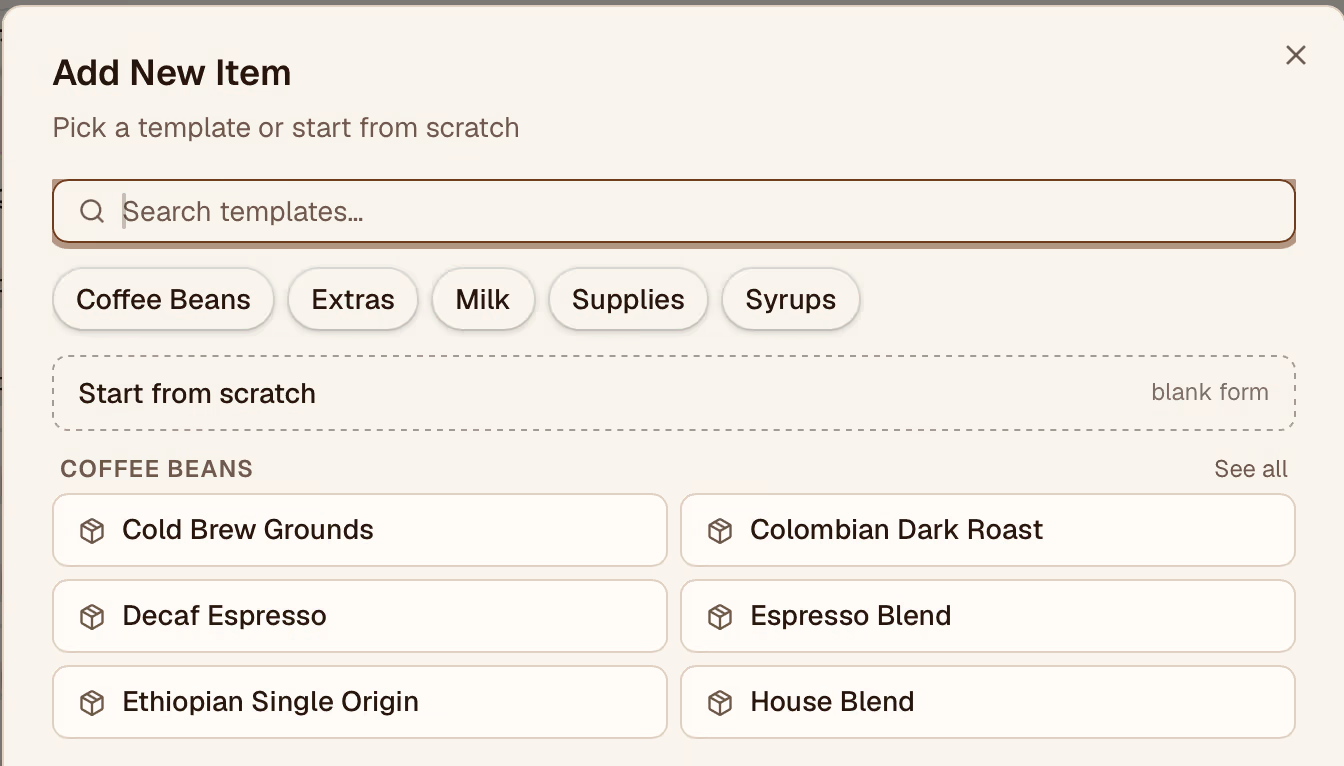
Creating items for any item in your inventory from a template or from scratch.
Categories
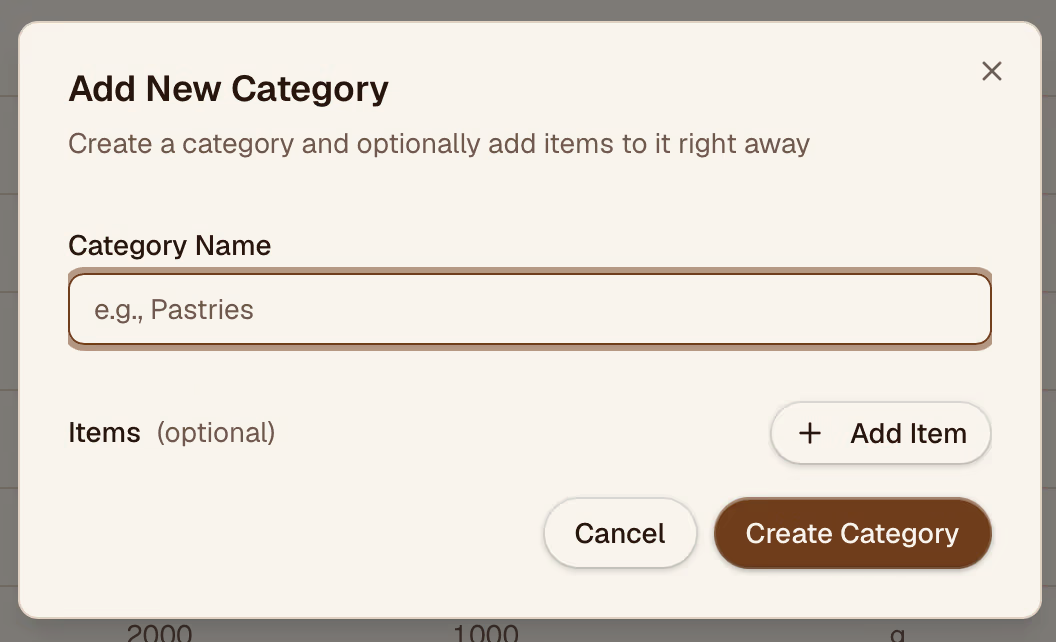
Categories let you group related items (e.g., Dairy, Syrups, Paper Goods). Categories are managed per organization.
Units
Each item must have a unit of measurement. Units are shared across the organization and configured on the Units page. If you need a unit that doesn't exist yet, create it there first.
Filtering and Search
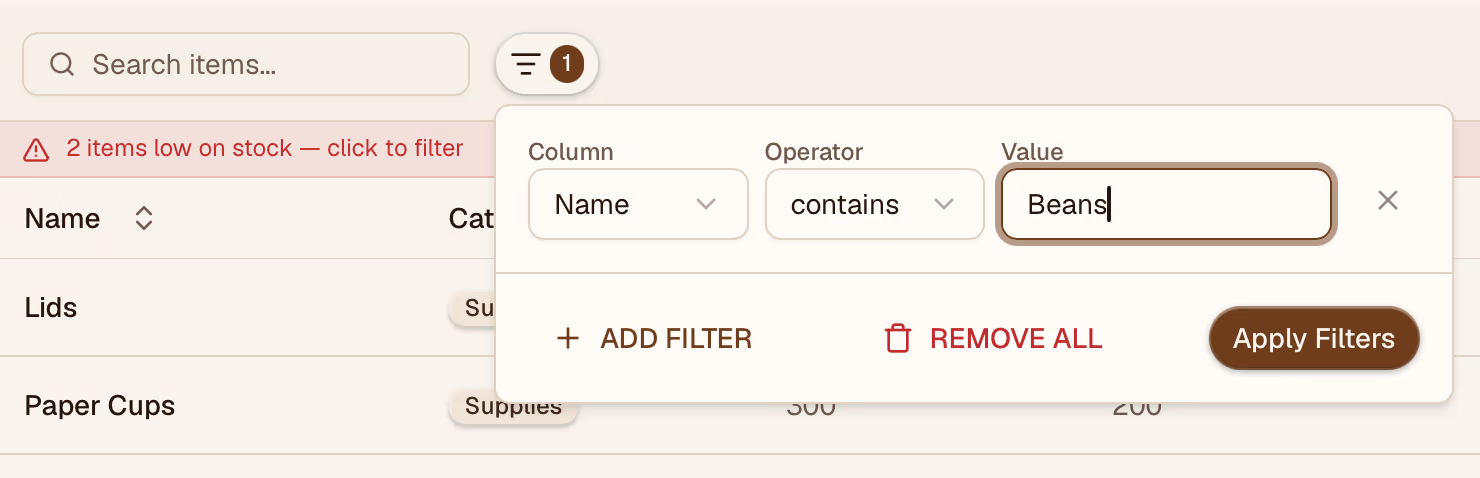
Use the search bar to find items by name. Use the Category and Location filters to narrow the list. The location filter is set automatically if you've selected a location from the location switcher in the top bar.
Editing and Archiving
Click any item to open its detail panel. You can update the name, category, unit, or minimum quantity. To stop tracking an item, archive it — archived items are hidden from forms and the main list but remain in historical reports.
