Inventory Forms
Inventory forms are how your team submits counts without needing an account. You create a form, assign it to a team or shift, and share a QR code. Staff scan the code and fill in quantities on their phone.

Preview
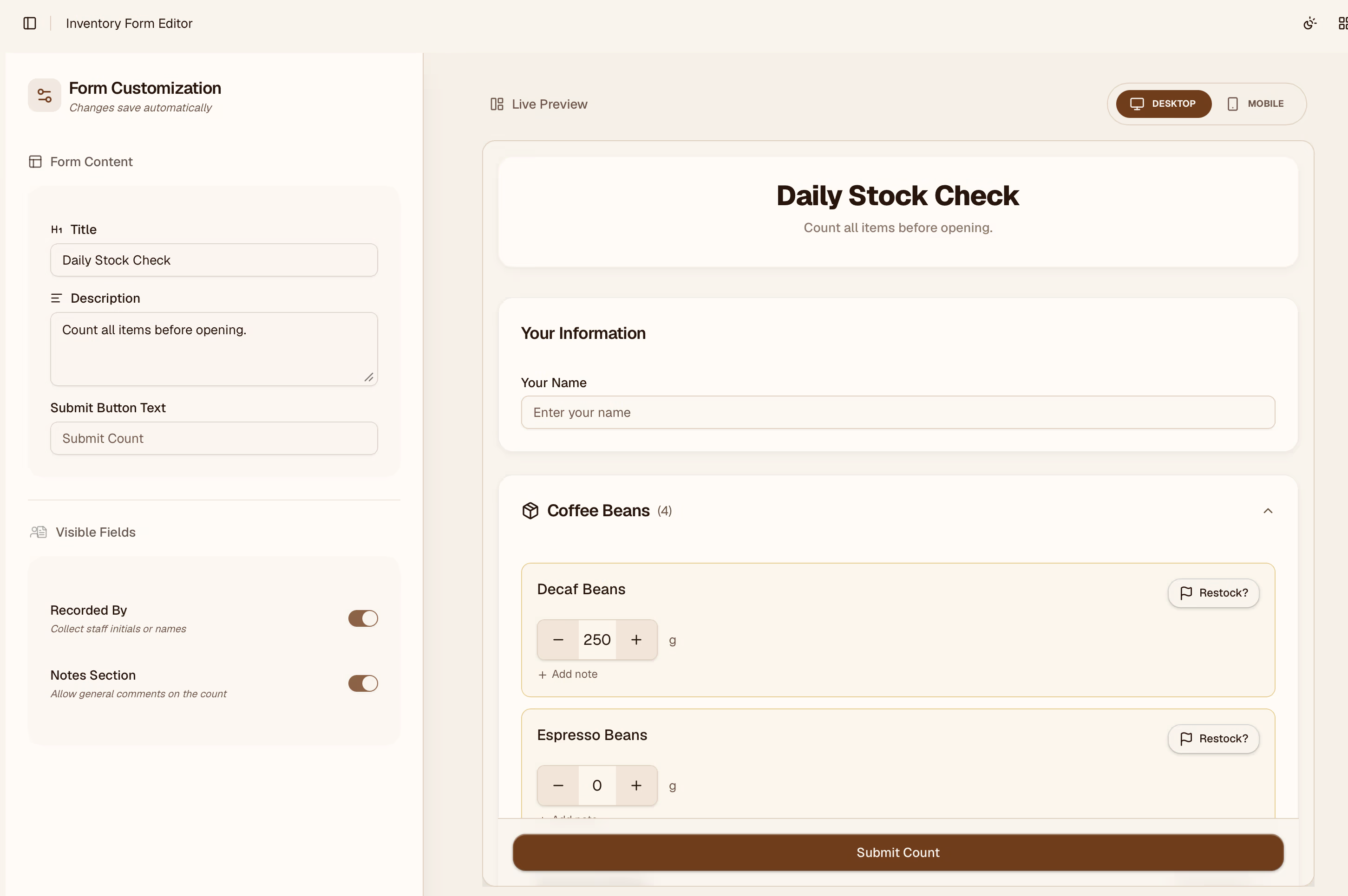
Forms can be viewed in the form preview section before your staff gets started. Configure each form to suit your organizations needs. There are configurable settings for forms. For example if there is not title set, a team's name or organizations name will be used as the title.
Sharing the QR Link
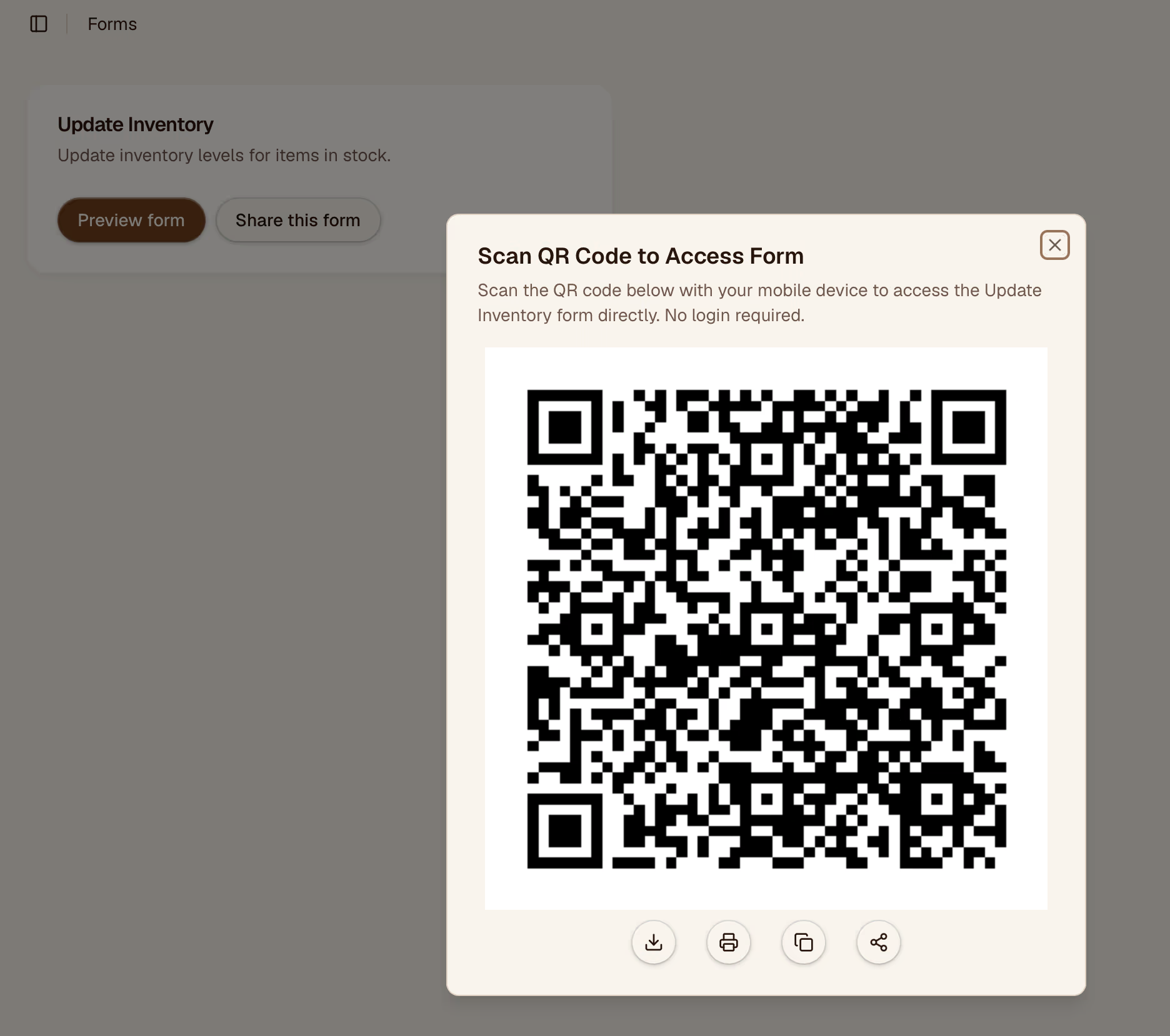
Once saved, each form gets a unique QR code and a direct URL. Display the QR code in the workspace (printed or on a tablet) so staff can scan it at the when it is time to update inventory.
Reviewing Submissions
Submissions appear in the Requests page and in the History log. You can also see a summary on the Dashboard.
Editing a Form
Click any form to open it. You can rename it, add or remove items, or change the assigned location. Changes take effect immediately — the QR link stays the same.