Account Settings
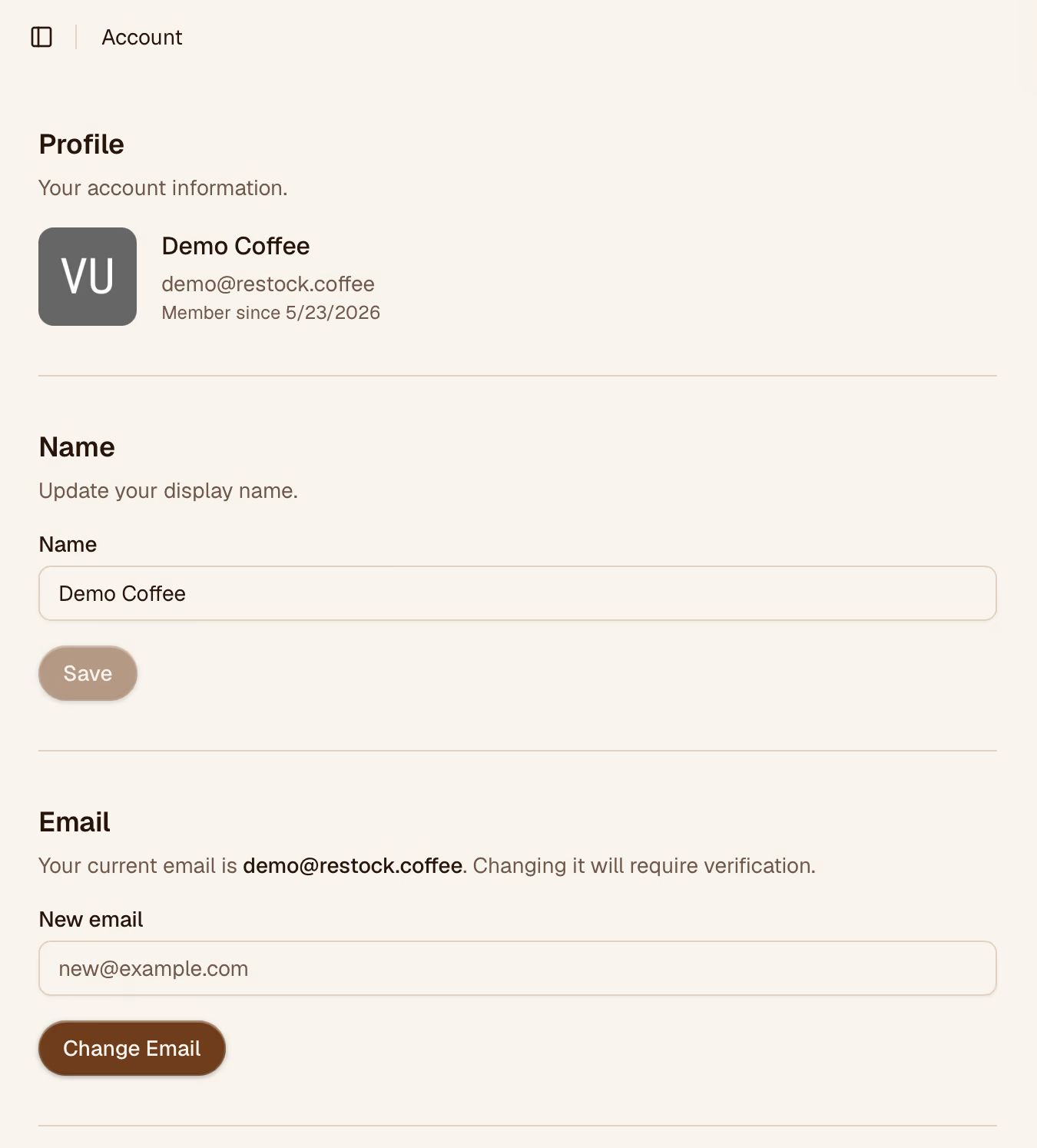
Account settings control your personal profile — the details tied to your login, not the organization. Changes here only affect your own account.
Email Address
Your email is used for login and notifications. To change it, enter the new address and confirm with your current password. A verification email will be sent to the new address before the change takes effect. Warning. Connected accounts will be disconnected as they are linked to the old email address.

Password
To update your password, enter your current password followed by the new one (twice to confirm). Passwords must be at least 8 characters.
If you signed up with Google, you may not have a password set — use Set a password instead of the change password form.

Connected Accounts
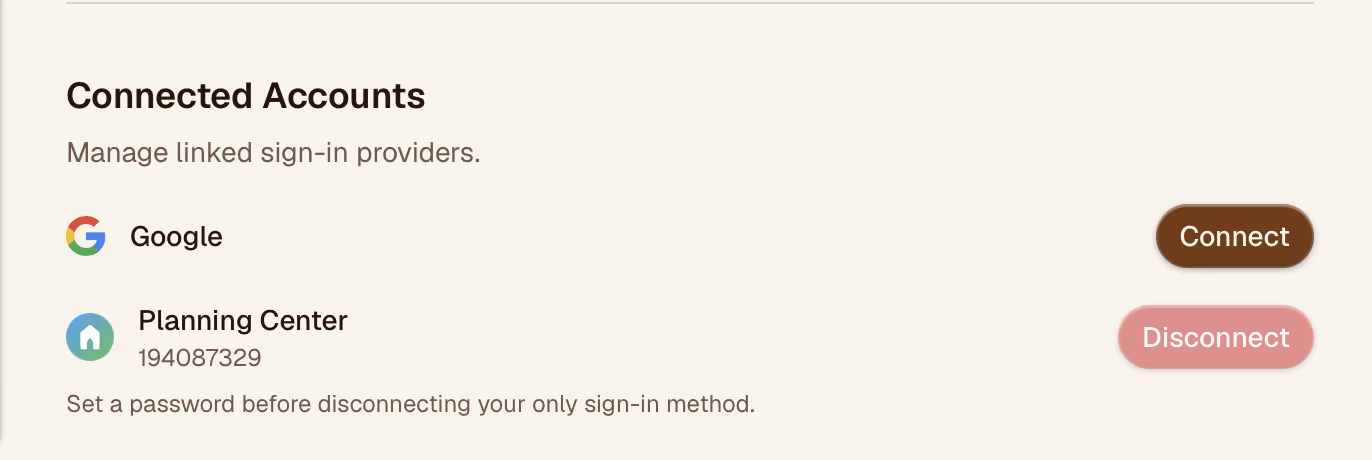
Organizations may want to use their current accounts to sign into Restock. Restock supports Connected accounts that can be connected/disconnected here. If your organization needs another connection, send a request for this feature request. Some connections may require an enterprise billing plan.
Saving Changes
Each section has its own Save button. Changes to your name take effect immediately. Email changes require verification before they're applied.